Photo Booth DSLR Droplets
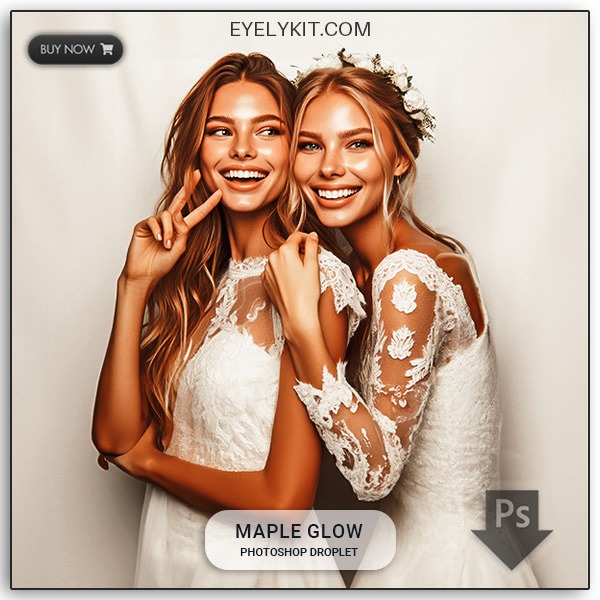
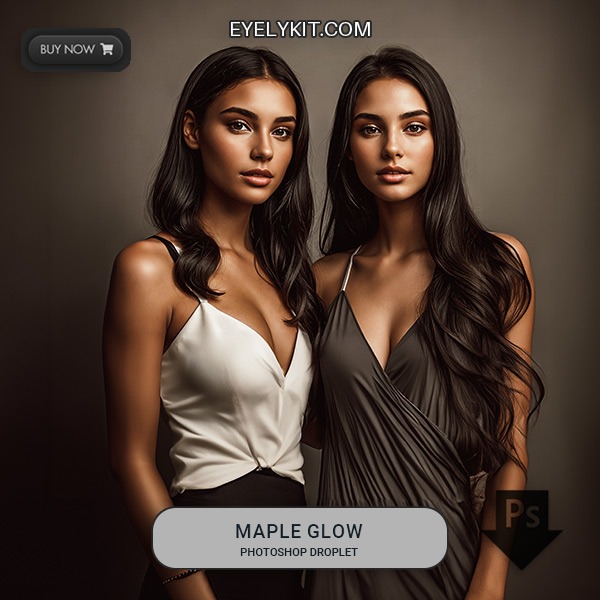
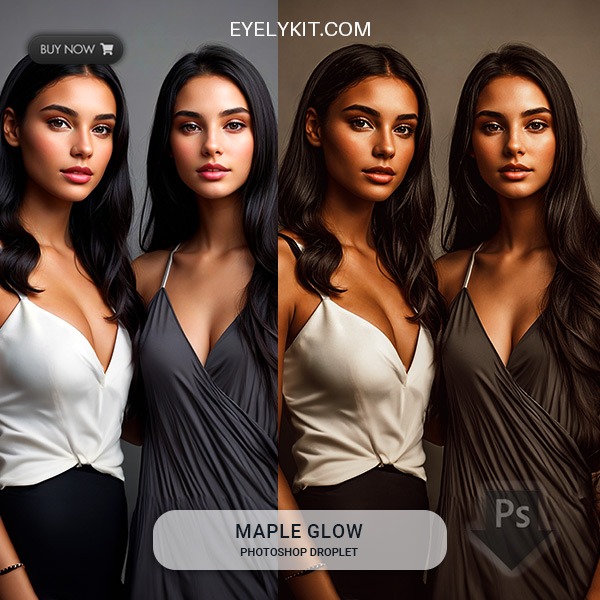
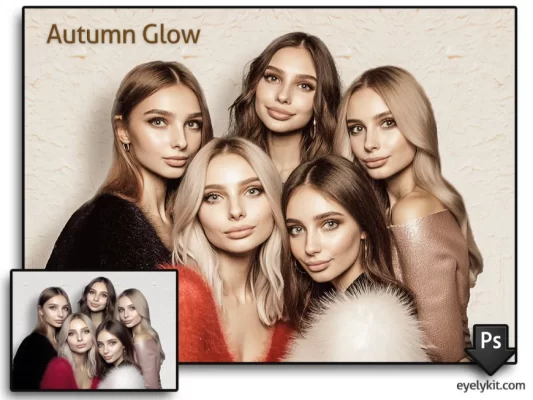
- Elevate your photo booth experience with our Photoshop droplets, effortlessly enhancing every image captured.
- Our Photoshop droplets add a touch of magic to your photo booth images, ensuring each moment is captured at its absolute best.
- All droplets deigned using Photoshop 2022, older version of Photoshop may work as well but are not guaranteed. PC Computer, will not work on ipads or Macs.
- Photoshop IS REQUIRED and MUST be running in the background
Works with FotoMaster Mirror booths, Breeze DSLR Pro 3.7, DSLR Booth, Darkroom 3.0, Breeze Webcam Booth. All droplets deigned using Photoshop 2022, older version of Photoshop may work as well but are not guaranteed. PC Computer, will not work on ipads or Macs.
Member Download Free Here!
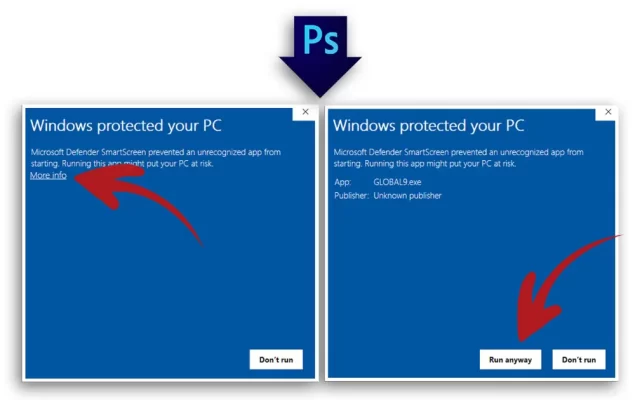
Allow Windows to run droplet
When you download a new droplet and use it for the first time on a Windows computer, follow these steps:
- Open Photoshop and double-click on the droplet icon.
- If a Windows security prompt appears, click “More Info” to reveal additional options.
- Select “Run Anyway” to proceed.
This step is required only the first time you use a droplet. After this, it will run smoothly on your computer.
How to use Photoshop FX files
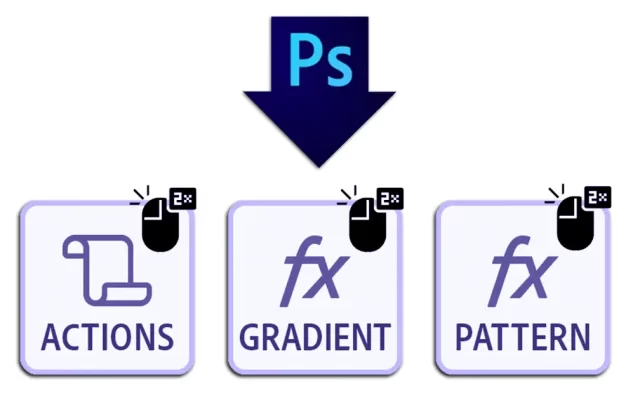
Some droplets may come with additional files, such as Photoshop Action files, Gradient FX files, or Pattern FX files. The Droplet/s associated with these files are required for the droplet to run properly and NEED to be installed first before running the droplet. To install these:
- Ensure Photoshop is running.
- Double-click on the file icons for the FX files.
The files will be installed in Photoshop within a few seconds, ready for use. It is that easy!
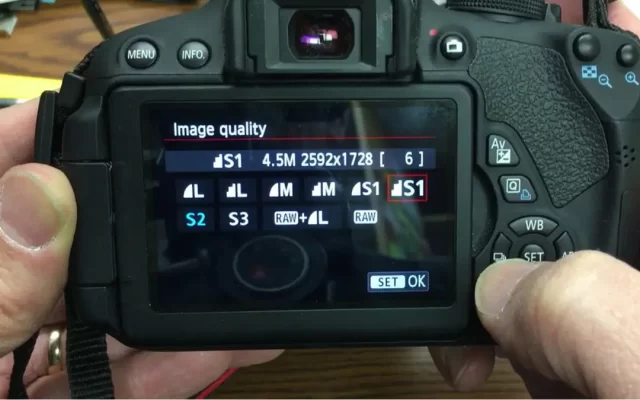
Change your Image Quality Size
Most photo booth software, such as Fotomaster, typically recommends using the S2 image quality setting because its smaller pixel size ensures faster performance. However, when using a droplet, image size becomes a crucial factor.
Switching to the S1 (Small 1) setting can significantly enhance image quality, as it provides a resolution of 2976 x 1984 px compared to 1920 x 1280 px in the S2 setting. Keep in mind that higher quality images require more processing time, which can slow down the workflow.
To achieve the best results, aim for the highest quality setting your system can handle without compromising the speed of your workflow.
Fully Editable Photo Booth Templates
Pose, Click, Party – Templates That Wow!
virtual backdrops for photo booths
Backdrop Magic – Anywhere, Anytime, Instantly!
Video, effects & animations
Unleash Motion – Make Moments Unforgettable!
Fully Editable static ipad screens
Welcome Screens Made Uniquely Yours!
Mirror Booth Animation box Sets
Mirror Magic – Animations That Dazzle!
360 booth alpha video overlay effects
Add the Magic – Alpha Effects On!
Custom Overlay Templates
Need a custom design? Order your custom overlay templates today!