The Best Photo Booth Software 2026
Our Top picks for photo booth software/apps in 2026. For event professionals who aim to operate at the top of the market, selecting the best photo booth software of 2026 is not optional—it’s foundational.

The Best photo booth software for iPad and DSLR. How We Curated Our Top Picks.
In 2026, the photo booth software landscape is defined by two major shifts: Generative AI integration (Face Swaps/Avatars) and Cloud-Based Remote Management. To identify the top photo booth software of 2026, we went straight to the source—the industry itself. As long-time photo booth owners who have worked hands-on with every major platform, our selections are shaped by real-world use, not marketing claims. We paired our firsthand experience with insight gathered from active professional communities, in-depth reviews, and direct feedback from our own clients. Each platform was evaluated on how effortlessly it integrates with premium digital assets, from sophisticated AI-driven experiences to layered overlays and fluid, cinematic animations.
The result is a carefully curated list of photo booth software proven to deliver elegant visuals, dependable performance, and professional-grade results—designed for event businesses that expect nothing less than excellence. “what is the best app for photo booths?” is a very common question when starting out. Tested by professionals, Trusted by the industry, let us help with some info to What Sets These Platforms Apart. Amazing apps for AI face swap prompts and photo booth templates.
Top Picks for the best the best app for photo booths
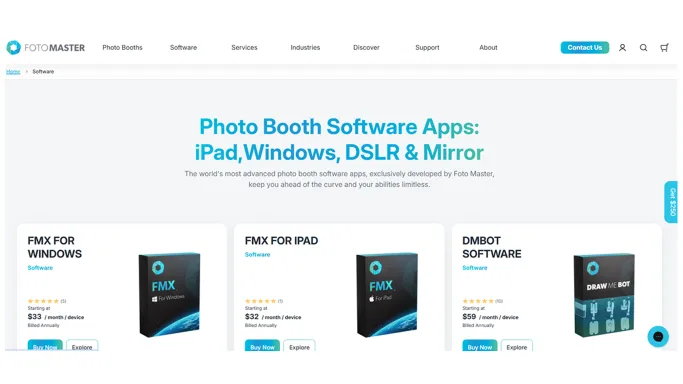
FOTOMASTER : Best photo booth software for iPad and DSLR / PC. Best photo booth software 2026.
Foto Master (FMX) stands above the rest because of its unique node-based workflow, which treats animations and AI as a single, fluid sequence rather than separate steps. Foto Master has evolved into a true leader in generative AI experiences for photo booths. Built for power users, its FMX platform transforms a single photo into cinematic, interactive digital content through a no-code, visual AI Workflow Builder. With a flexible node-based editor and advanced generative tools, FMX makes it possible to design fully custom AI experiences—from face swaps to image-to-video transformations—without technical barriers. For operators focused on delivering cutting-edge, AI-driven activations rather than traditional photo outputs, Foto Master FMX stands at the forefront of what’s possible.
Pros:
One of the best photo booth software for iPad and DSLR. Visual AI Workflow Builder: Instead of just applying a filter, FMX uses a node-based editor. You can string together commands. Works brilliantly with professional DSLR/Mirrorless setups, ensuring the input image is ultra-sharp, which dramatically improves the AI output quality. AI face swap prompts specialist.
Cons:
Steep Learning Curve: The node-based interface is complex. It requires an operator who understands basic programming logic and prompt engineering. Foto Master is one of the most expensive software options on the market. Between the initial license fee and the mandatory Foto Master Cloud subscription (required to access the best AI features and online galleries), the overhead is high.
Official Website: fotomaster.com / User Instructions & Support: fotomaster.com/support
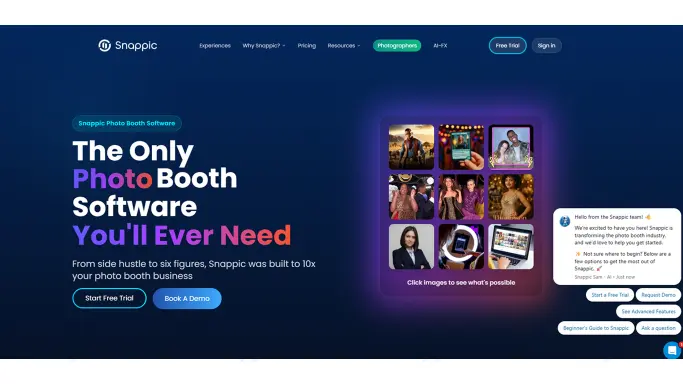
SNAPPIC : Best photo booth software for iPad booths. Best photo booth software 2026.
Snappic is a standout choice for both iPad photo booths and 360 booth setups. Its industry-leading VideoFX engine delivers smooth, cinematic slow-motion and 360 content, while the intuitive interface and powerful cloud dashboard make setup, asset management, and remote event control effortless across both systems. SmartShare allows guests to instantly receive their media via QR code—even without stable internet—keeping events running seamlessly. With flawless support for animated overlays, branded intro/outro videos, and complex multi-clip workflows, Snappic remains a trusted, high-performance platform for modern iPad and 360 photo booth activations. Snappic’s AI-FX suite is a powerhouse for professional photo booth owners looking to offer high-end, high-margin activations. The “Custom Prompt 2.0” feature allows you to build unique, branded filters that your competitors cannot easily replicate.
Pros:
Best app for photo booths, Industry-leading VideoFX for 360 booths, extremely user-friendly interface, and top-tier customer support. It features a robust online dashboard for remote event management. AI face swap prompts specialist.
Cons:
Premium Pricing: It requires a significant monthly investment, which eats into margins if you aren’t booking high-ticket events regularly. Internet Dependency: While it has a queue system, the most advanced AI features require a strong, stable internet connection to process files through their servers quickly.
Official Website: snappic.com / User Instructions & Support: help.snappic.com
More Amazing best photo booth software 2026
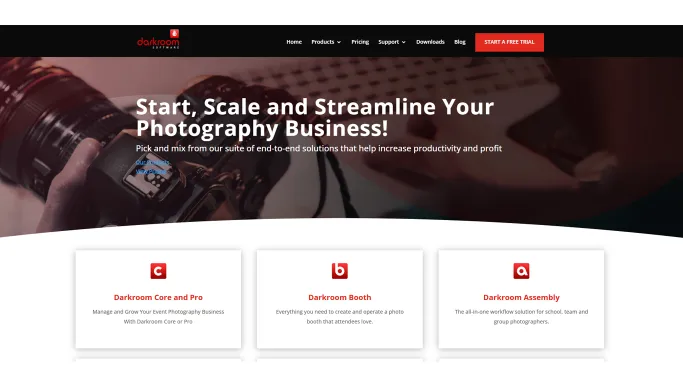
Darkroom Booth (Windows)
Darkroom is the legacy heavyweight champion. If an event requires printing 1,000 photos flawlessly over six hours, this is what the veterans use. It rarely crashes. It is built to run for days without memory leaks. Hot Folder Automation: Darkroom excels at monitoring specific folders on a PC. This allows you to run photos through external software (like Photoshop droplets or third-party local AI processors) and have Darkroom instantly pick up the finished file, apply a custom branding overlay, and print it.With the release of Darkroom Booth 2025/2026, the software now includes a native “Darkroom AI” engine. This allows you to apply high-fidelity AI presets directly within your photo booth templates to transform guests into superheroes, comic book characters, or movie posters. One of the best app for photo booths.
Official Website: darkroomsoftware.com / User Instructions & Support: support.darkroomsoftware.com
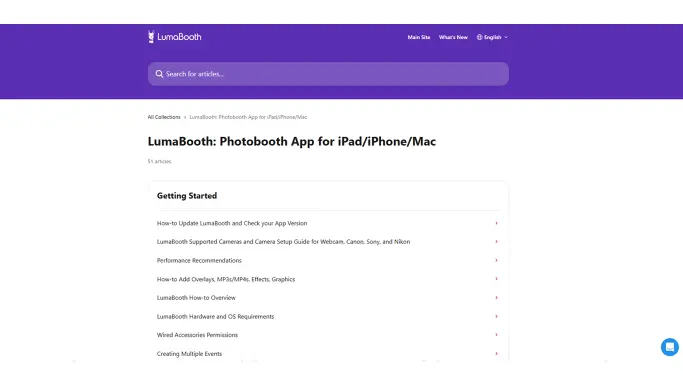
LumaBooth (Best Value for iPad)
LumaBooth 5.0 is a massive update in 2026. It introduces AI Portraits with over 170 styles (oil paintings, superheroes, etc.) built directly into a very affordable subscription. It’s the best entry-level software that doesn’t look “cheap.”. Seamless dslrBooth Sync: You can design your custom print templates and screens on a desktop using dslrBooth and instantly sync them to the iPads in the field. Rigid Template Editor: The built-in layout editor can be frustrating for complex graphic design. It is much easier to design fully transparent layouts in Photoshop and import them as flat layers rather than building them inside the app. Limited Custom AI: You are locked into their specific AI styles; you cannot feed the system your own custom Midjourney prompt packs.
Official Website: lumasoft.co/lumabooth / User Instructions & Support: support.lumasoft.co
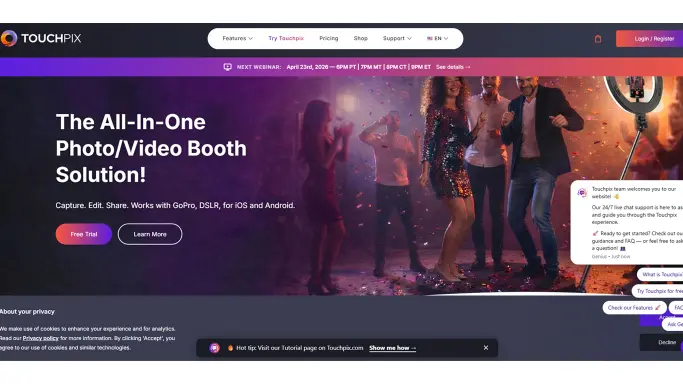
Touchpix (iOS / Android)
Touchpix continues to dominate the 360 and roaming market because of its offline capabilities. Touchpix built its reputation as the definitive software for motorized 360 spinners and roaming photography, prioritizing speed and ease of sharing. Offline AI Face Replacement: A game-changer for 2026. Touchpix can map a guest’s face onto pre-designed AI avatars entirely on the device. This is invaluable for outdoor festivals or remote venues where Wi-Fi is non-existent. GoPro Integration: It natively supports wireless syncing with the latest GoPros, providing ultra-wide, high-framerate capture for dynamic 360 shots. While it can print, the workflow is highly optimized for digital sharing (SMS/Airdrop/QR). Setting up complex print layouts requires more effort than traditional booth software.
Official Website: touchpix.com / User Instructions & Support: touchpix.com/knowledge-base
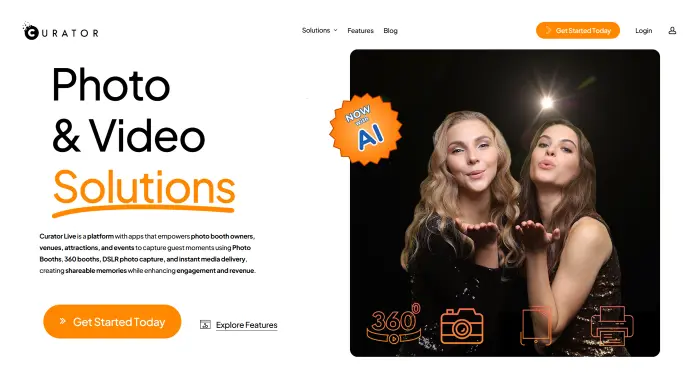
Curator Live (The Experiential Engine)
Curator Live is built specifically for brand activations, marketing agencies, and high-end corporate events where capturing guest data is just as important as capturing the photo. Unmatched Customization: Allows for deeply complex event flows. You can seamlessly integrate intricate photo booth overlays, custom surveys, and interactive digital props. Heavy AI Integration: Curator has leaned hard into artificial intelligence, offering robust tools that utilize AI face swap prompts and style transfers to create highly personalized brand experiences. White-Labeling: Every touchpoint—from the iPad screen to the microsite gallery and the sharing emails—can be fully customized to strip away the software’s branding and highlight your client’s. One of the Best photo booth software for iPad and DSLR.
Official Website: curatorlive.com / User Instructions & Support: help.curatorlive.com
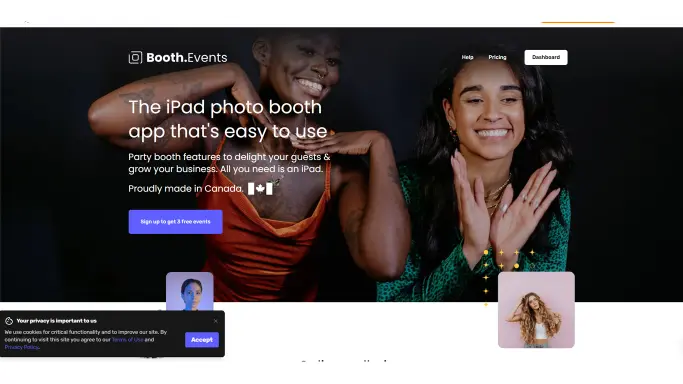
Booth.Events (The Cloud-First Manager)
DBooth.Events has gained massive popularity for its modern, web-first approach to event management. It is designed for operators who want to manage everything remotely before the iPad ever reaches the venue. Growing AI Capabilities: They are actively rolling out Beta AI portrait features, allowing users to tap into generative filters without leaving the app ecosystem. This software allows for Interactive Custom Prompts, where the environment is generated based on specific guest inputs or pre-set brand parameters, ensuring every background is one-of-a-kind. AI Face Swap & Persona Transformation features. Easiy one of the best app for photo booths. AI face swap prompts specialist. Amazing apps for AI face swap prompts and photo booth templates.
Official Website: booth.events / User Instructions & Support: help.booth.events
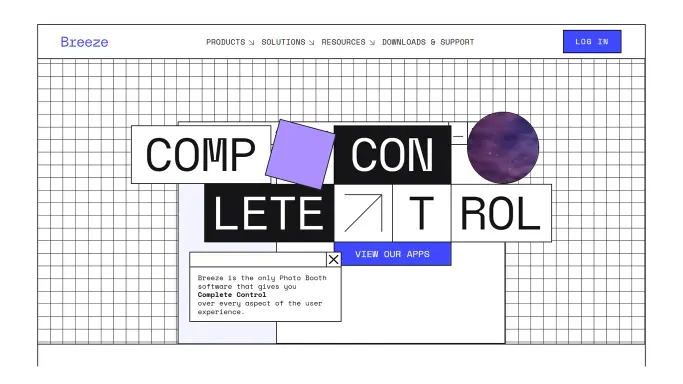
Breeze (DSLR Remote Pro) (The Customization King)
For those who want absolute control over every aspect of their workflow, Breeze Systems (often referred to simply as DSLR Remote Pro) is in a league of its own. It is a Windows-based platform favored by tech-savvy owners and experiential marketing agencies who rely on custom coding and scripting rather than out-of-the-box features. Breeze allows for deep API integration and AutoHotkey (AHK) scripting. If you want a physical arcade button to trigger a sequence that takes a photo, processes it through a local AI server, and drops it into custom photo booth templates, Breeze can be programmed to do it. Breeze is not for beginners. The backend interface looks like Windows 98, and setting up advanced workflows requires genuine technical knowledge, patience, and often a bit of coding. Amazing apps for AI face swap prompts and photo booth templates.
Official Website: breezesys.com / User Instructions & Support: breezesys.com/support
More Photo Booth Graphics From Eyelykit
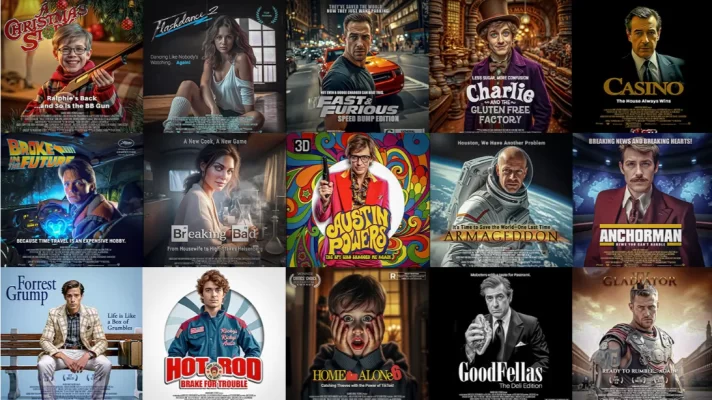
Movie Poster Face Swap
With bundles featuring everything from classic film stars to epic movie posters, your guests will love swapping faces.

Elf'n Around Face Swap Bundle
18 detailed & Funny christmas elf face swap avatars. Bring holiday cheer and a dose of laughter to your photo booth!

Alice's Adventure Face Swap
Bring the enchanting world of Alice’s Adventures in Wonderland to life with our Alice's Face Swap Bundle!
More great tips, advice and posts.
–How to connect DNP RX1HS printer to Snappic
